

The Settings menu in the Innomesh Portal Administration area contains platform-wide operational controls. This article describes each setting, what it affects, and how to change it safely.
The Settings Menu
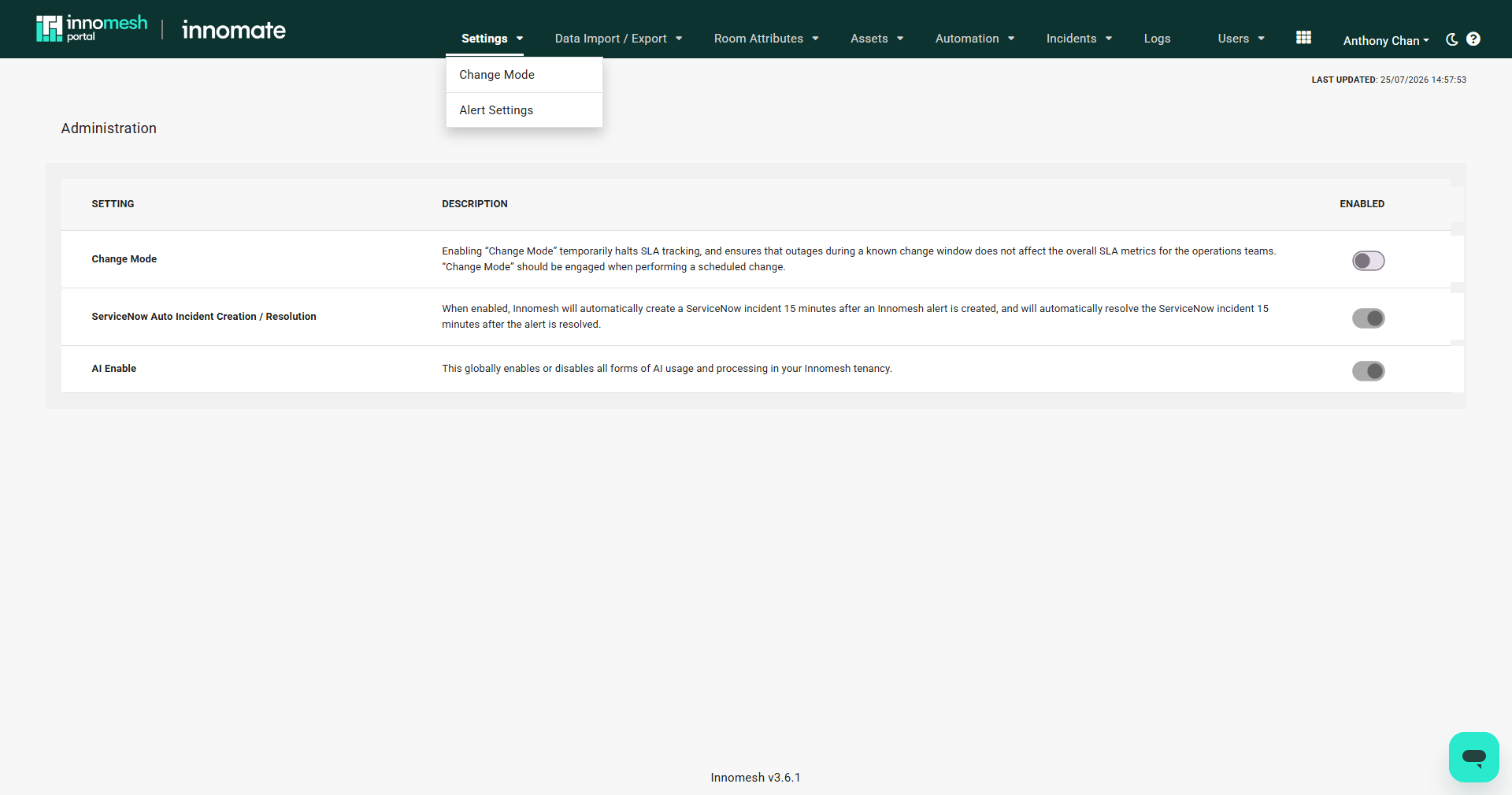
Click your name in the top-right corner of Innomesh Portal, select Administration, then open the Settings menu. It contains two pages:
| Page | Purpose |
|---|---|
| Change Mode | Platform-wide toggles: Change Mode, ServiceNow auto incident creation and resolution, and AI Enable (covered below) |
| Alert Settings | Alert severity rules (see Alert Settings) |
Change Mode
Change Mode temporarily halts SLA tracking during scheduled maintenance windows. While engaged, outages that occur do not affect the SLA metrics reported for your operations teams. Engage Change Mode before planned network changes, firmware upgrades, or infrastructure work that may temporarily disrupt device connectivity.
Alerts raised while Change Mode is engaged are tagged Change Mode, and the Hotlist can be filtered by this tag when reviewing activity from the change window afterwards.
Engaging Change Mode
- Navigate to Administration > Settings > Change Mode.
- Click the Change Mode toggle.
- Click YES, ENGAGE in the confirmation dialog.
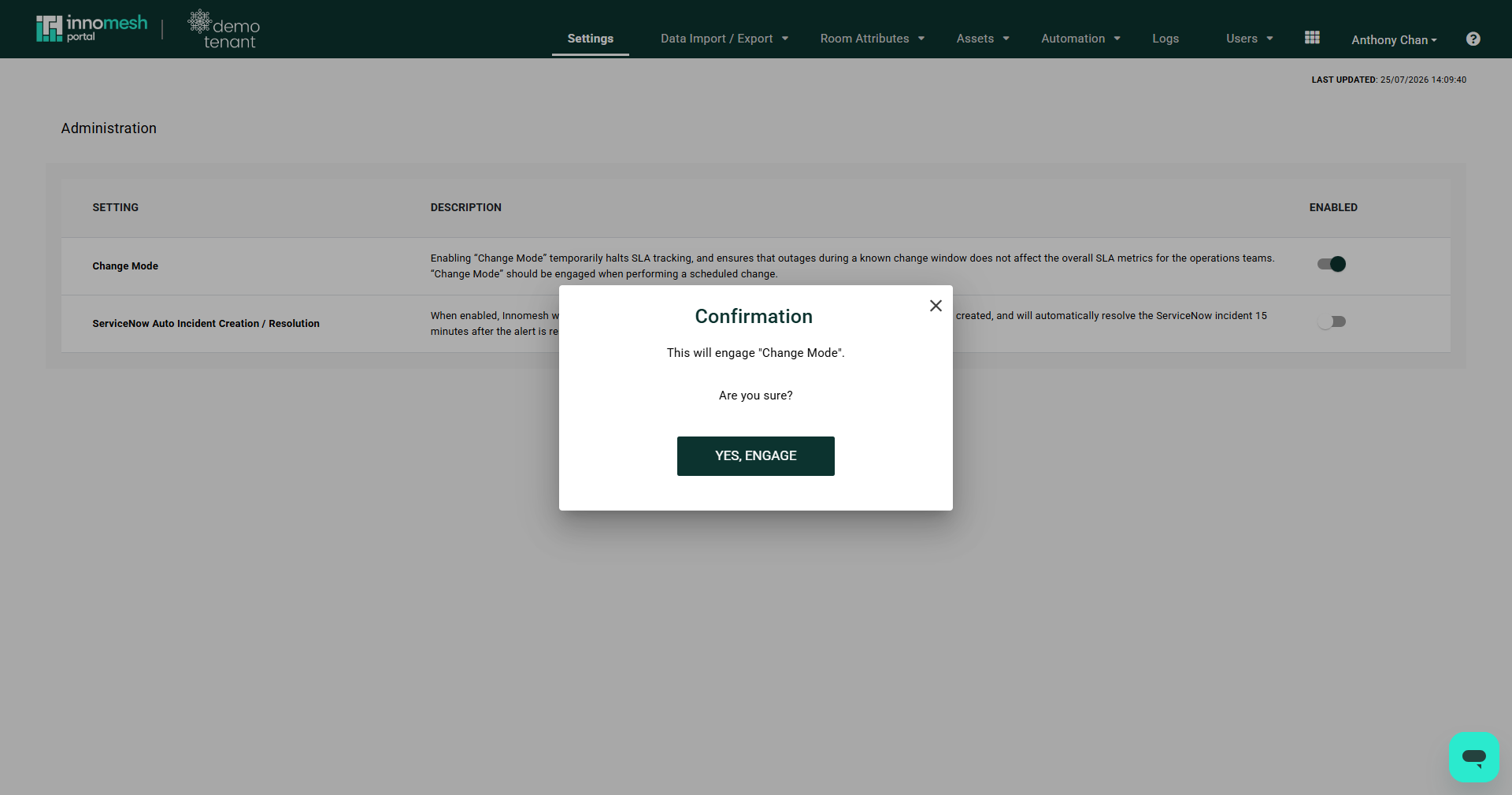
Disengaging Change Mode follows the same steps and shows an equivalent confirmation dialog.
ServiceNow Auto Incident Creation and Resolution
When enabled, Innomesh automatically creates a ServiceNow incident 15 minutes after an Innomesh alert is raised, and automatically resolves the incident 15 minutes after the alert is resolved. The 15-minute buffer filters out transient issues while ensuring persistent problems are captured in the ITSM workflow.
This toggle is an earlier, simpler ServiceNow feature and requires a ServiceNow connection configured by Innomate for your tenancy. Tenancies using the full ServiceNow Incident Management Integration typically manage incident creation through Incident Rules instead, which offer much finer control over when incidents are raised.
AI Enable
AI Enable globally enables or disables all forms of AI usage and processing in your Innomesh tenancy. When disabled, AI-powered features are unavailable across the platform for all users.
Alert Severity Rules
Alert severity rules are defined on the Alert Settings page (Administration > Settings > Alert Settings). They override the default severity Innomesh assigns to alerts, and can suppress or drop alerts that are not actionable in your environment. See Alert Settings for the full reference and configuration steps.