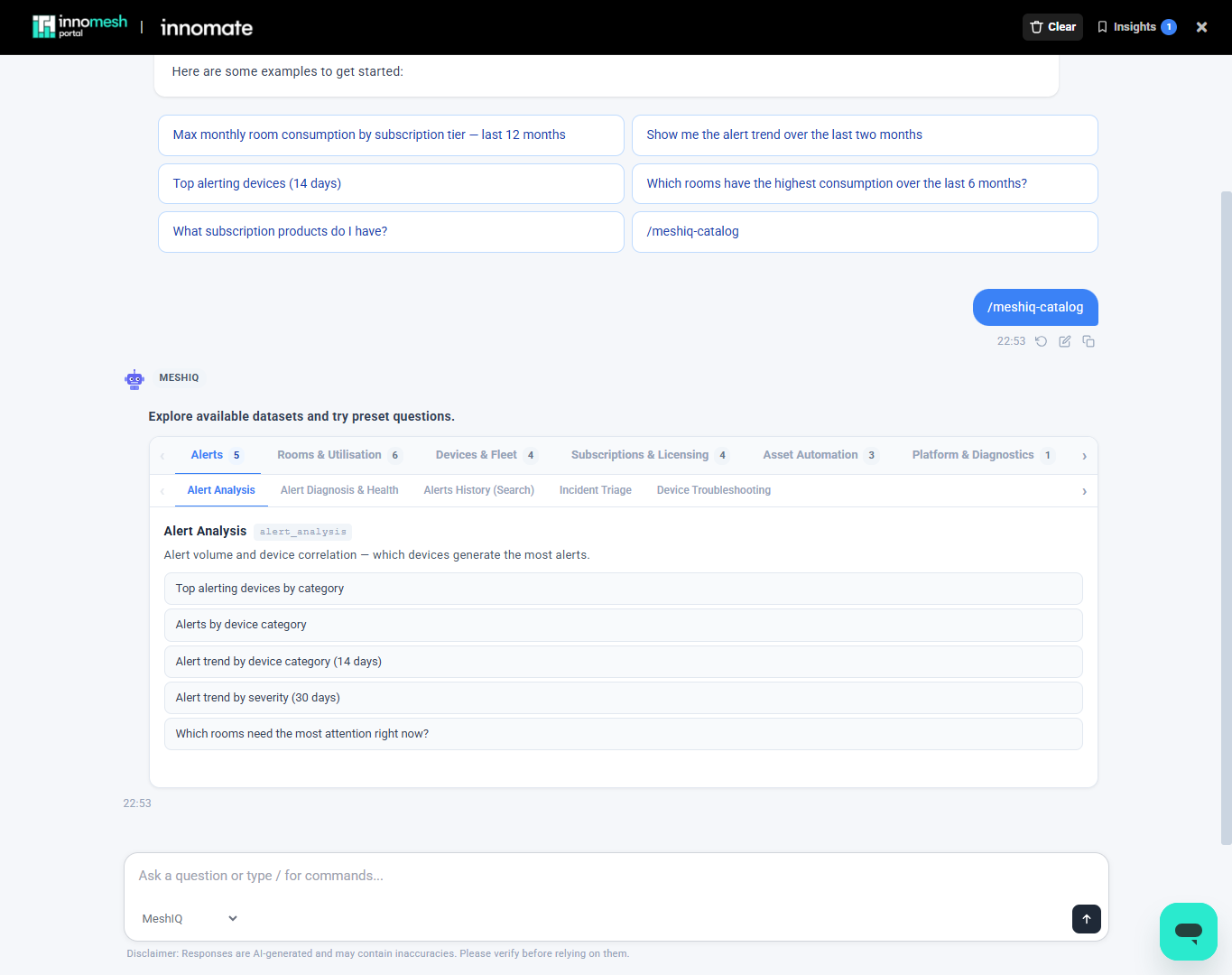
The dataset catalogue shows everything meshIQ can query, so you can see what is available before asking a question. This article covers opening the catalogue and what it contains. For an introduction to meshIQ, see the meshIQ Overview.
Opening the Catalogue
To see everything meshIQ can query, type /meshiq-catalog (or select it from the preset questions). The catalogue groups the available datasets into categories, such as Alerts, Rooms & Utilisation, Devices & Fleet, Subscriptions & Licensing, Asset Automation, and Platform & Diagnostics. Each dataset lists preset questions you can run directly.