

meshIQ can diagnose an individual alert on demand. This article covers handing a Hotlist alert to meshIQ and how AI alert diagnosis relates to the earlier Alert Diagnosis feature. For an introduction to meshIQ, see the meshIQ Overview.
Diagnosing an Alert
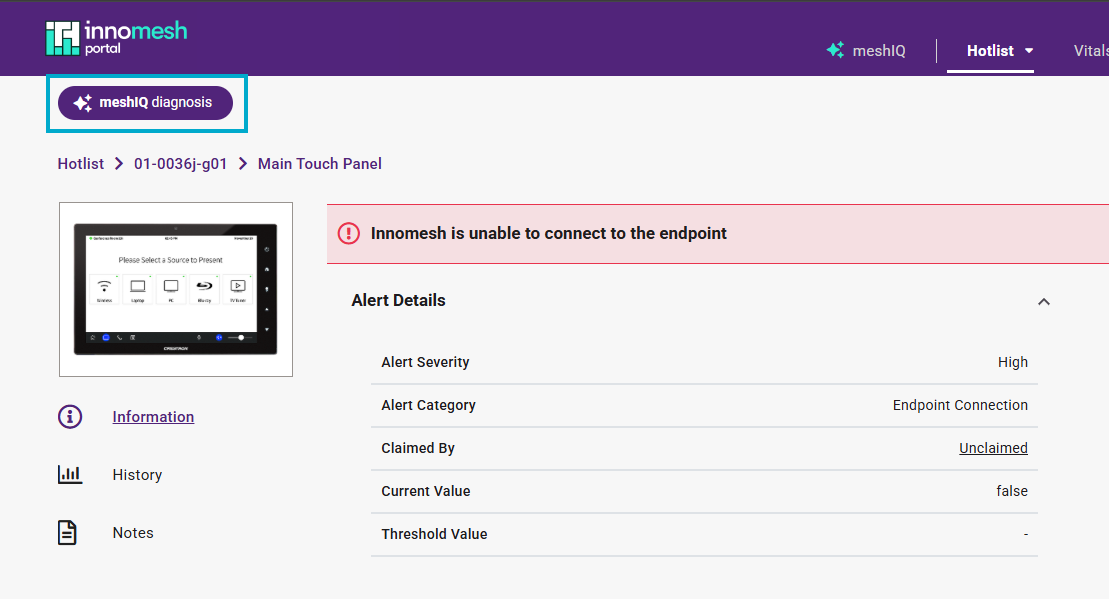
The AI alert diagnosis capability introduced in Innomesh v3.6.0 is now part of meshIQ, giving you a single place to run every Innomesh platform query. On an alert, selecting meshIQ diagnosis (previously “AI Diagnose”) opens meshIQ, which analyses the issue and presents a thorough diagnosis along with suggestions for remediation.
📝 Note
AI alert diagnosis is distinct from the Alert Diagnosis feature introduced in v3.4.0, where the Innomate support team attaches diagnostic notes to Hotlist items.