Administrators can downgrade a room from Sight back to Pulse, returning it from full native device monitoring to reachability monitoring. You can downgrade a single room from the room’s configuration, or several rooms at once from the Rooms list.
Downgrading a Room
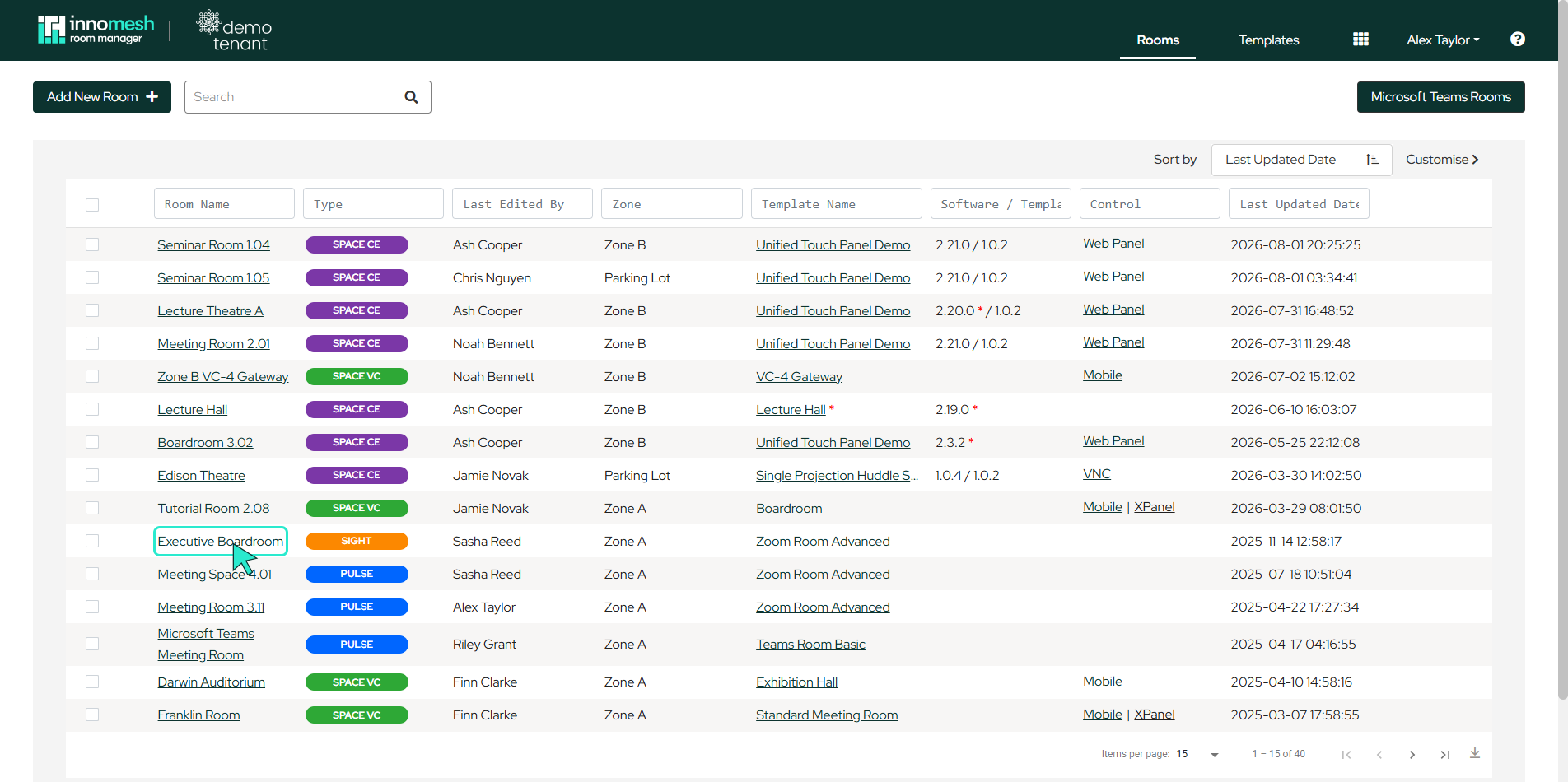
- Open the room’s configuration from the Rooms page by clicking the room’s name (or the pencil icon that appears when hovering over the row).
- Hover over the Options button in the top right corner.
- Select Remove Sight from the dropdown menu.
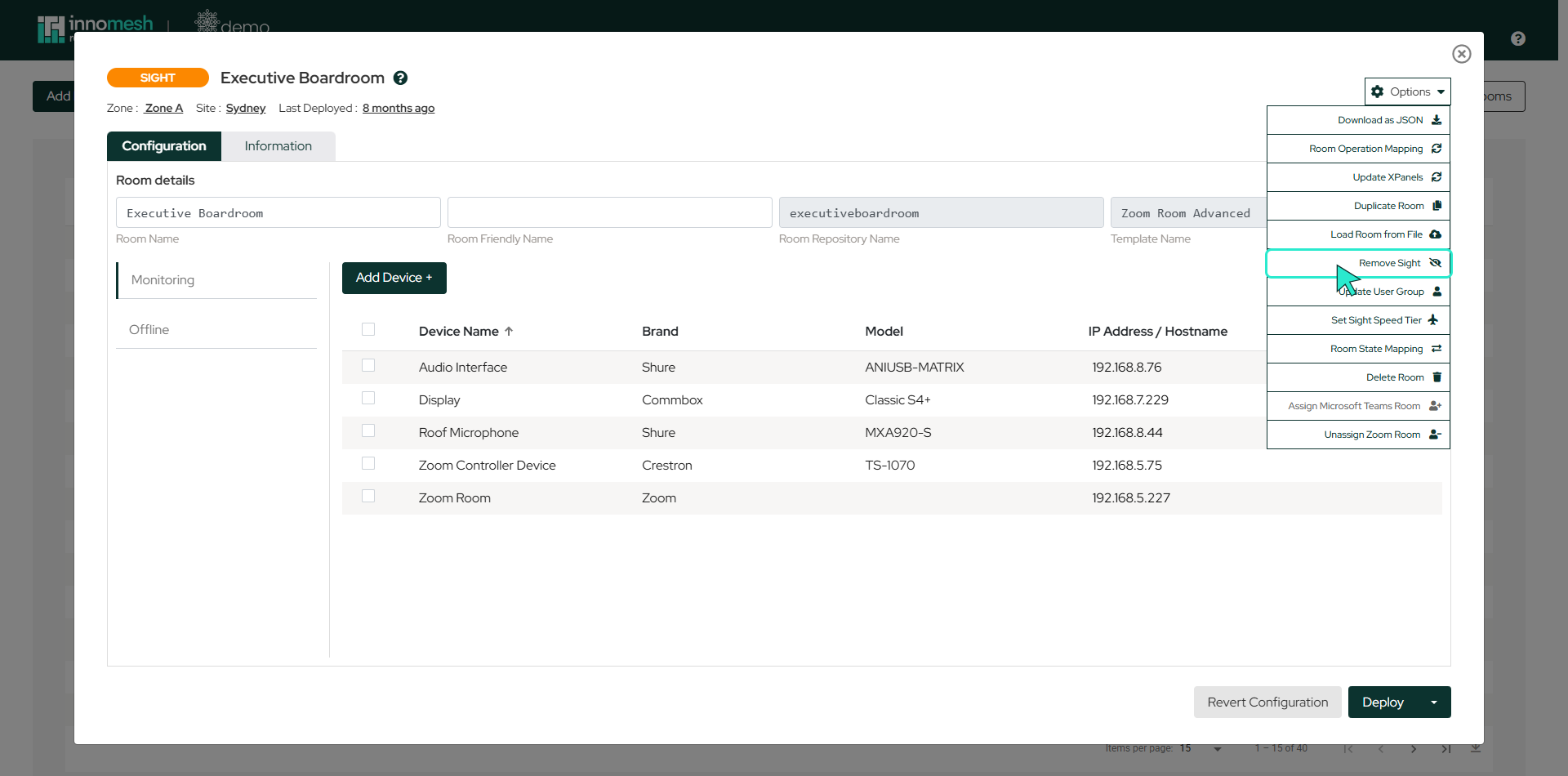
Once Sight is removed, the room is monitored by Pulse. To upgrade it again, see Subscription Tier Upgrade.
Downgrading Several Rooms at Once
To downgrade more than one room in a single action:
- Open Innomesh Room Manager and navigate to the Rooms page.
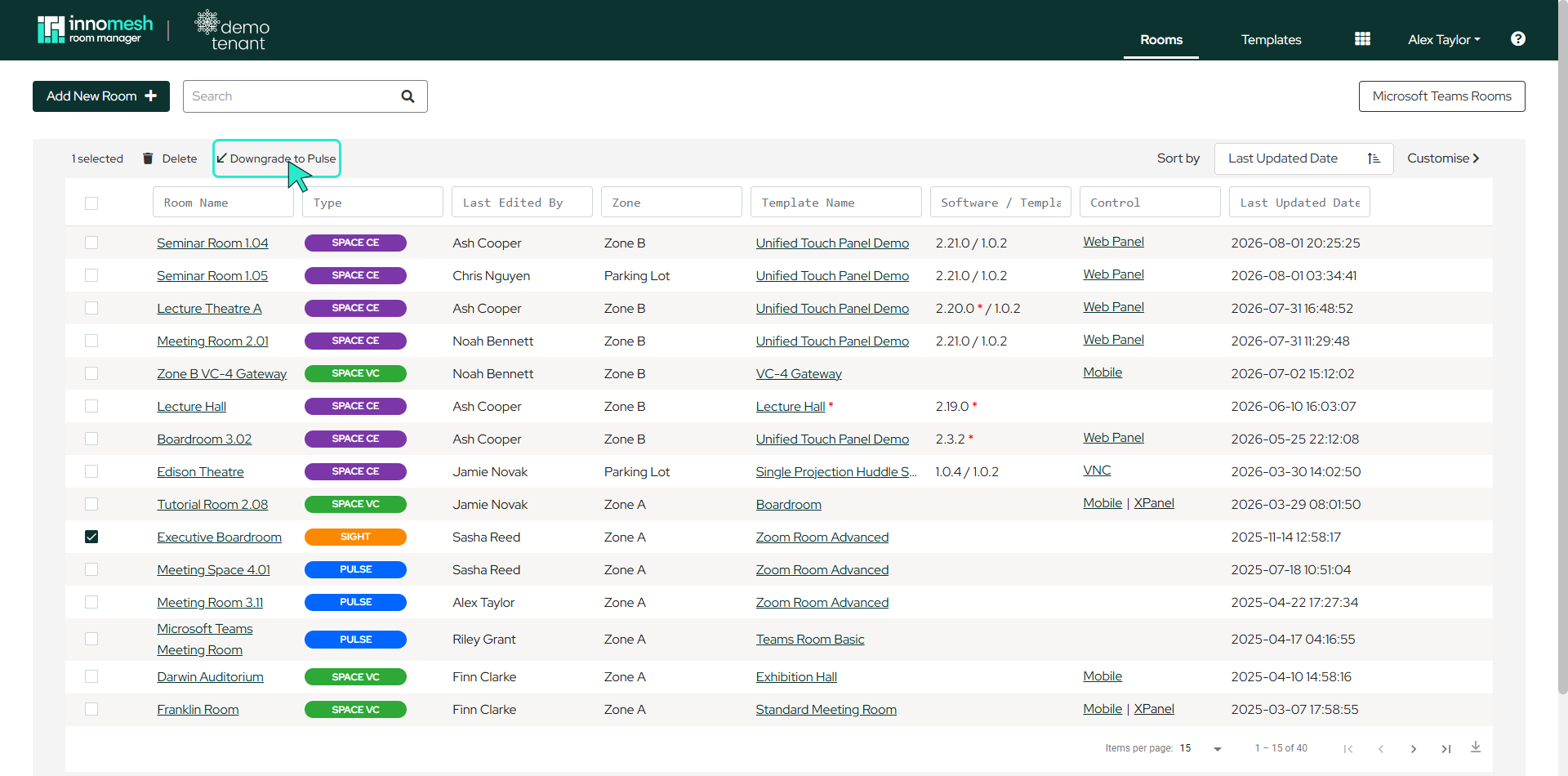
- Use the checkboxes on the left of the room list to select the Sight rooms you want to downgrade.
- Once rooms are selected, a Downgrade to Pulse action appears at the top of the list.
- Click it to downgrade the selected rooms.