

meshIQ is the Innomesh platform-wide AI assistant. It opens from the top menu of Innomesh Portal and answers questions about your alerts and your wider estate, turning a plain-language question into a written summary and the chart best suited to it. It also acts: from the same chat you can run an action on an asset, schedule it for later, and create or manage the automation policies that run actions for you.
Open meshIQ from the meshIQ item in the top navigation bar.

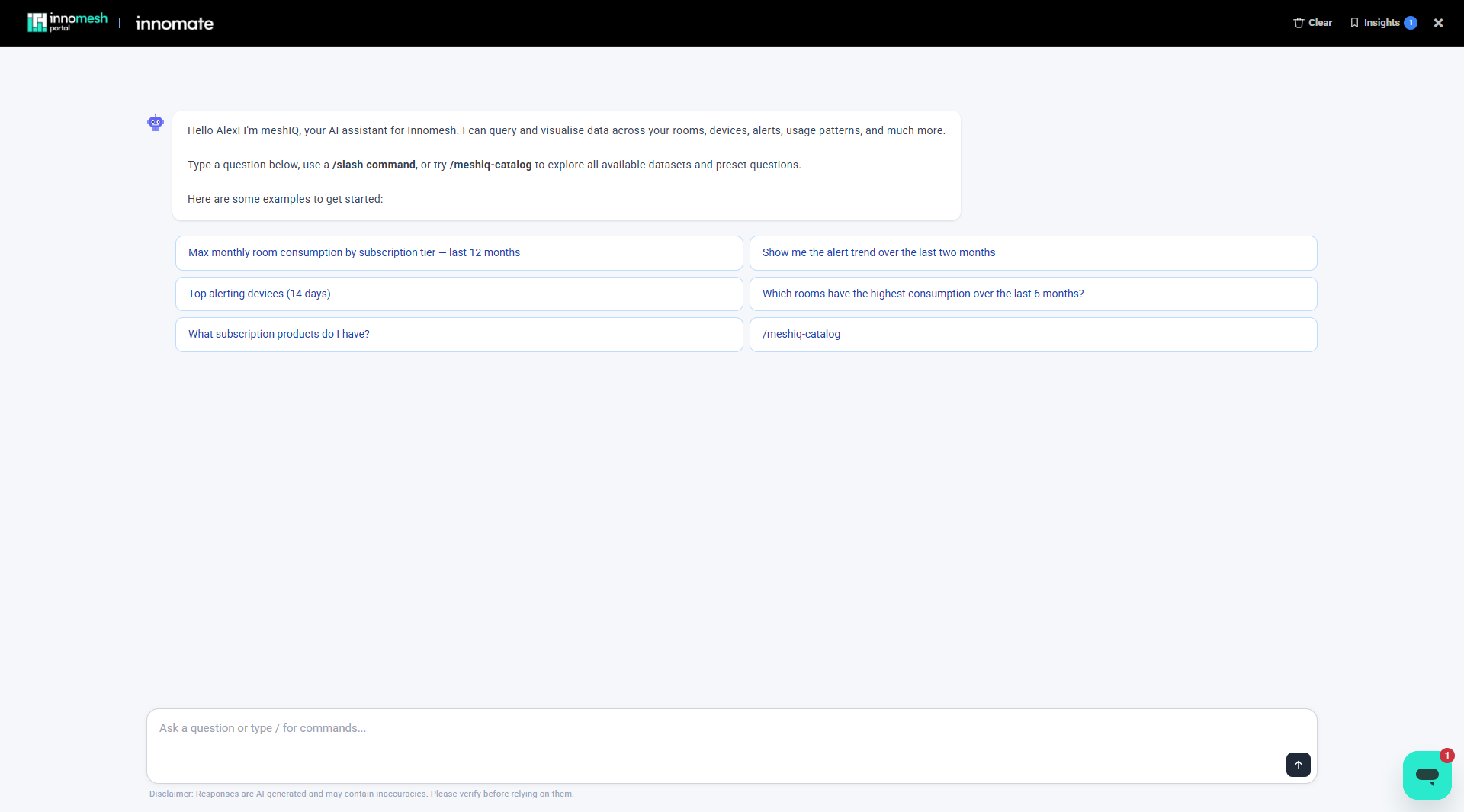
meshIQ opens as a chat panel with a greeting, a set of preset questions to get started, and an input box where you can type a question or a / slash command.
What meshIQ Can Do
| Capability | Where to read more |
|---|---|
| Answer a plain-language question with a written summary and a chart, and save the insights you want to keep | Asking Questions and Generating Insights |
| Show every dataset it can query, each with preset questions | Exploring the Dataset Catalogue |
| Diagnose a Hotlist alert on demand | AI Alert Diagnosis in meshIQ |
| Run an action on an asset, such as Reboot, Get Preview, or Download Log | Running Asset Actions from meshIQ |
| Queue an action for a maintenance window or a specific time, then reschedule or cancel it | Scheduling Actions in meshIQ |
| List, create, edit, enable, disable, and delete automation policies | Managing Automation Policies in meshIQ |
| Stop a running request, read the timezone on a chart, and report a bad answer | Chat Controls and Feedback |
Slash Commands
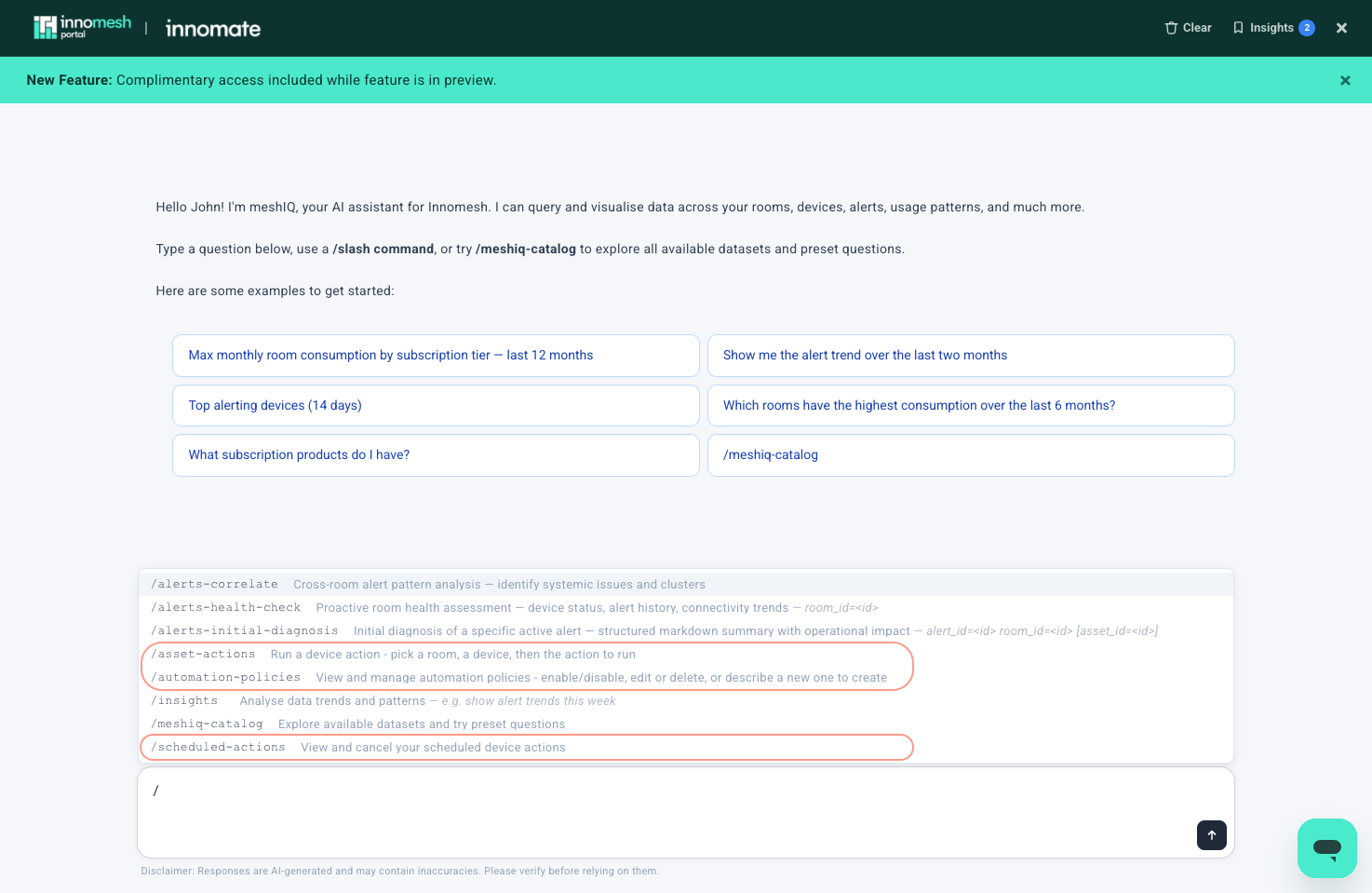
Type / in the input box to open the command menu. Commands are shortcuts to a specific capability; everything they do can also be asked for in plain language.
| Command | What it does |
|---|---|
/alerts-correlate | Cross-room alert pattern analysis: identify systemic issues and clusters |
/alerts-health-check | Proactive room health assessment: device status, alert history, connectivity trends |
/alerts-initial-diagnosis | Initial diagnosis of a specific active alert: structured summary with operational impact |
/asset-actions | Run a device action: pick a room, a device, then the action to run |
/automation-policies | View and manage automation policies: enable or disable, edit or delete, or describe a new one to create |
/insights | Analyse data trends and patterns |
/meshiq-catalog | Explore available datasets and try preset questions |
/scheduled-actions | View and cancel your scheduled device actions |
Some commands take parameters, such as a room or alert ID; the menu shows them beside the command as you type.
How meshIQ Interprets a Question
A single meshIQ agent with access to every capability interprets each request directly, rather than routing it to a specialist by matching keywords. In practice:
- A question that mixes topics, such as alerts and room usage, gets one joined answer instead of a partial one.
- Follow-up questions keep their context, even when the topic changes.
- A documentation question phrased as a command, such as “list the alert severities”, returns documentation rather than an empty analytics result.
Your Permissions Apply
meshIQ connects with your own Innomesh Portal permissions, sites, and user groups. Results reflect what you are allowed to see, asset actions are gated on your own permissions, and every action you run is attributed to your name and email in the audit history.